Design in Microsoft Office®
Data from SAP®
Documents automatically generated
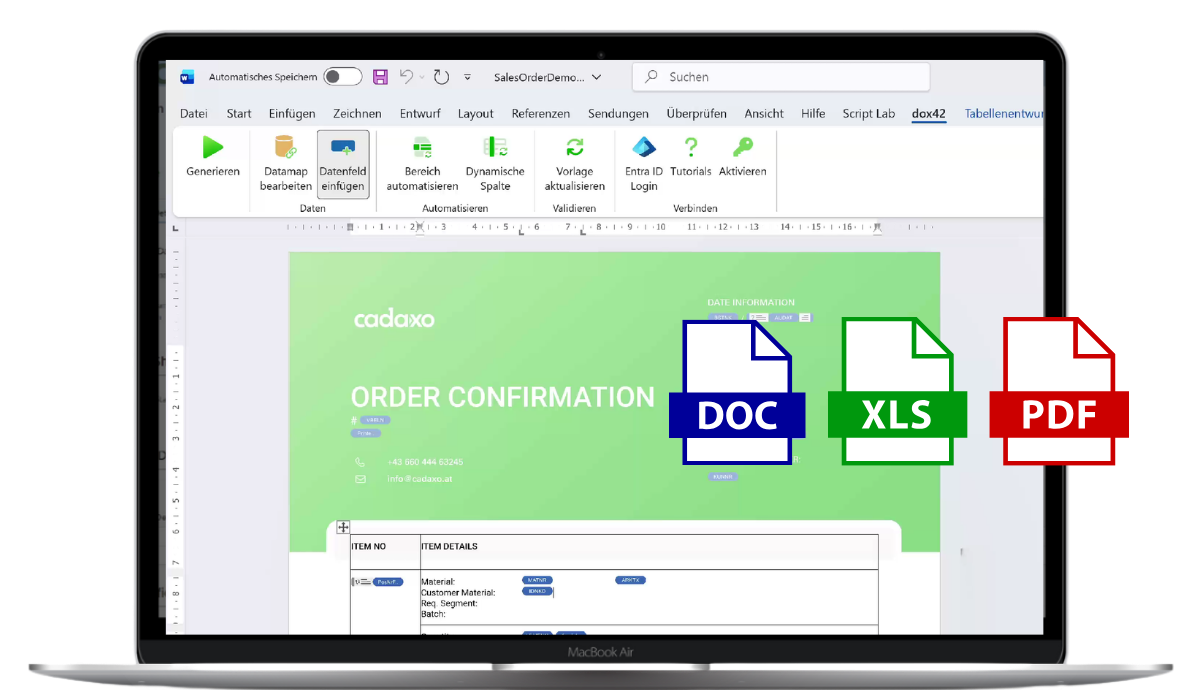
Form design has never been easier!
a collaboration of


With dox42® Integration for SAP® Solutions, you can create professional documents directly from your SAP® system – automatically and seamlessly integrated into your business processes.
Easily create in Microsoft Word® – Designed by YOU
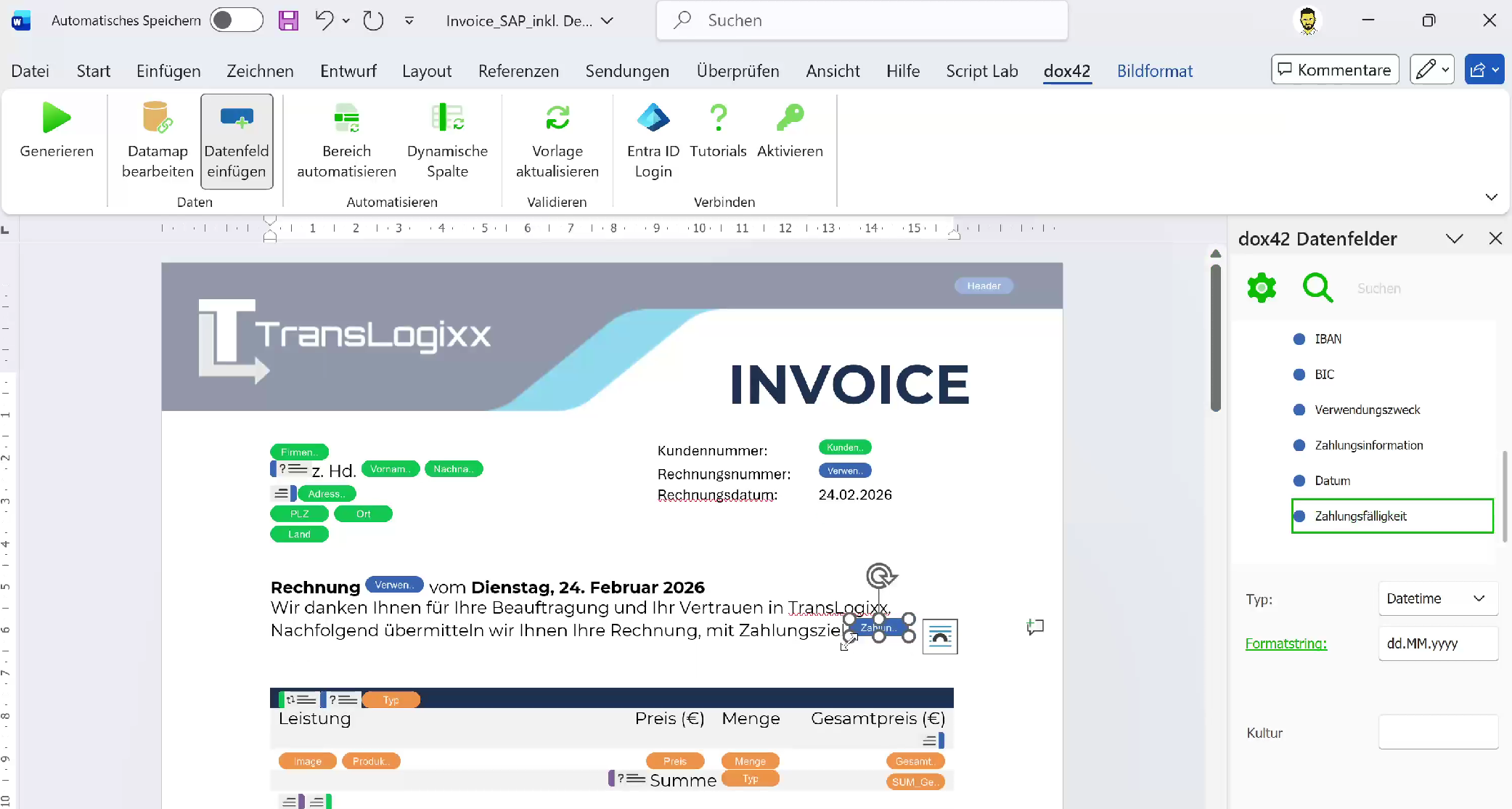
Document templates are created directly in Microsoft Word®.
SAP® data can be easily integrated into the document and flexibly positioned within the layout.
Data fields can be inserted into the template via drag and drop and linked to the desired content.
This means:
- Work in a familiar tool
- Insert data fields via drag and drop
- Freely design layouts
- Quickly adapt documents
From Complex Forms to Flexible Documents
Document creation in SAP is often time-consuming
Many SAP® form solutions are technically complex and difficult to customize. This leads to unnecessary effort, especially for documents that undergo frequent changes.
- Layout changes require developers
- Even minor changes become IT projects
- Business departments are severely limited
The solution with dox42®
With dox42® and our integration, you create documents directly from SAP® data. Templates are designed in Microsoft Office® and automatically generated – for example, as PDFs, Word documents, Excel spreadsheets, or PowerPoint presentations. This means:
- SAP® remains the leader for data and business processes
- dox42® handles document generation
- Business departments can flexibly adapt layouts and content
The advantages of dox42® integration at a glance
-
Easy SAP® integration
Connect dox42® quickly and reliably to your SAP® system – without complex in-house development.
-
Automate document processes
Documents are automatically generated based on SAP® data and can be directly processed, sent, or archived.
-
Flexible document design
Create document templates directly in Microsoft Word® and design layouts freely without technical limitations.
-
Involve business units more effectively
Changes can be implemented directly in the template. Business units can easily adapt content without having to involve the IT department each time.
-
E-Invoicing
Automatically create and process electronic invoices from SAP® data.
-
Integrate digital signatures
Automatically sign documents with solutions like DocuSign and integrate them directly into your processes.
Further Information
This white paper provides a concise overview of the features, applications, and benefits of dox42© Integration for SAP© Solutions.
Or learn more about the practical application and best practices of dox42© on our blog.
The Tool in Action
Ask our experts
As an SAP® partner, we offer comprehensive consulting services and SAP®-certified add-ons that integrate seamlessly into your system landscape. Our team combines cutting-edge technological know-how with certified SAP® expertise — delivering solutions that work in practice.
FAQs
dox42 Integration for SAP Solutions connects your SAP system to the dox42 document generation server.
It enables the automated creation of documents from SAP data and simplifies integration into existing SAP processes.
Traditional SAP form solutions like SmartForms or Adobe Forms are highly technical and usually require developers for customization. With dox42, document templates are created in Microsoft Word, making changes significantly easier to implement.
The integration supports, among others:
- SAP S/4HANA
- SAP ECC
- SAP S/4HANA Private Cloud
- SAP On-Premise Systeme
Yes. dox42 runs as a dedicated server that handles document generation.
This server can either:
- be operated on-premises
- or be used as a cloud service.
With dox42, the following formats, among others, can be created:
- Microsoft Word
- Microsoft Excel
- Microsoft PowerPoint
- HTML
- various print formats